 Local Audio Enhancer

Speech comes forward
A speech model trained to separate voices from background sound reduces fans, hum, hiss, traffic, rain and room noise.
Reduce background noise around voices in your videos and recordings. Fans, hum, traffic and rain fade back. Speech comes forward. All of it runs on your iPhone or iPad.
One-time purchase · No subscription · iOS and iPadOS 18 or later
Pick a recording, press play, and switch between versions while it plays. These are actual exports from the app, matched in loudness so you hear the cleanup rather than a volume jump.
Speech recorded with rain against the window. The rain is about as loud as the voice.
Headphones help. On iPhone, turn off Silent mode to hear the demo.
Cleaned is Noise Reduction at its default (Light) with Level Voice on. Strong is Noise Reduction at 80%. Each version was exported by the app on November 22, 2026, trimmed to the same length and matched to the same integrated loudness. Nothing else was changed.
Speech: LibriSpeech test-clean, Panayotov, Chen, Povey & Khudanpur, CC BY 4.0, from public-domain LibriVox recordings. Rain and helicopter: ESC-10, Karol J. Piczak, CC BY 3.0; field recordings by cognito perceptu (Freesound 17367) and senorstudy (Freesound 172649), originally CC0. Fan and 120 Hz hum are generated. The recordings were mixed for testing.
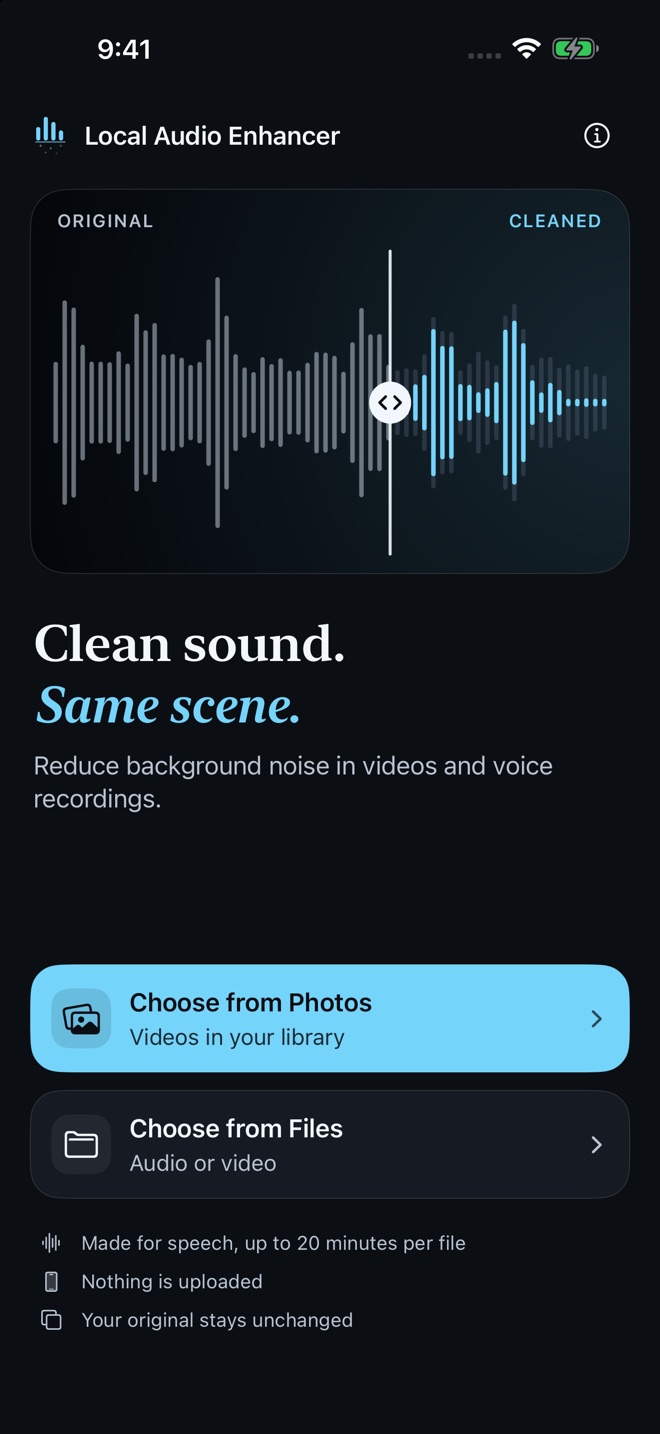
Pick a video from Photos, or an audio or video file from Files. Cleanup starts right away.
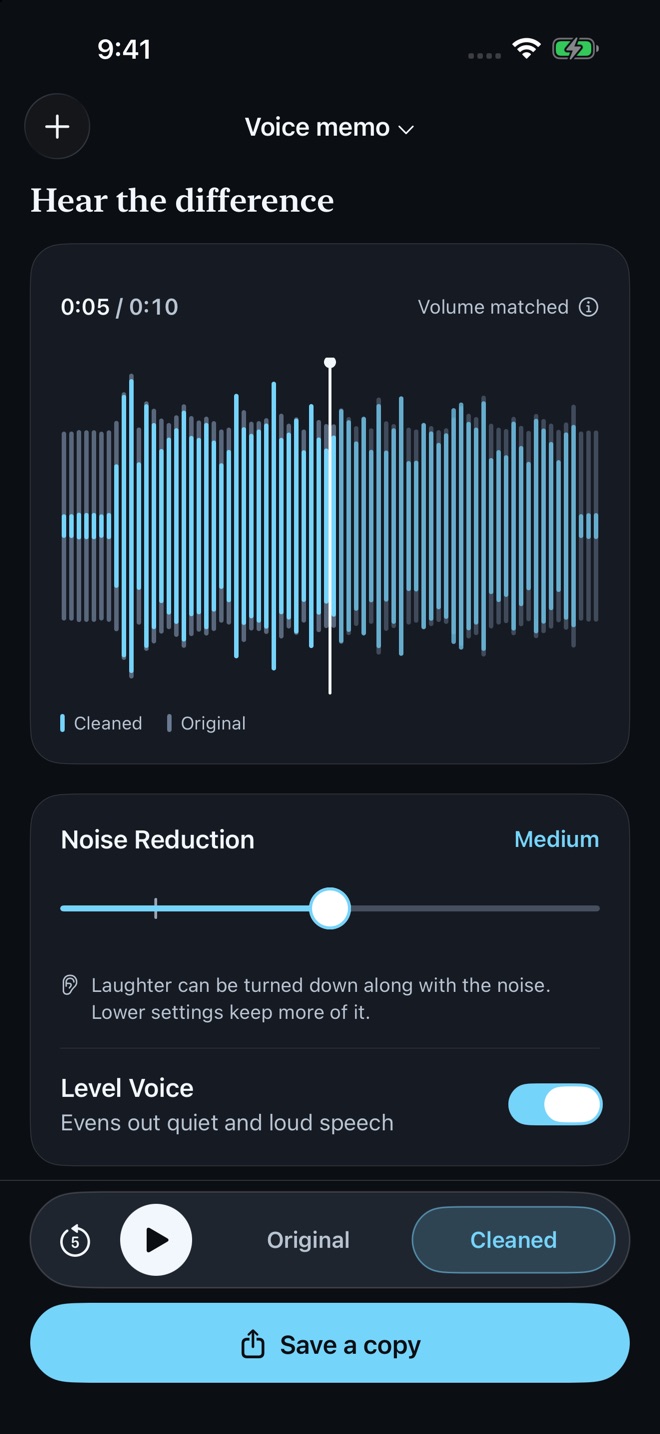
Switch between Original and Cleaned at matched volume. Set Noise Reduction, and turn on Level Voice to even out quiet and loud speech.
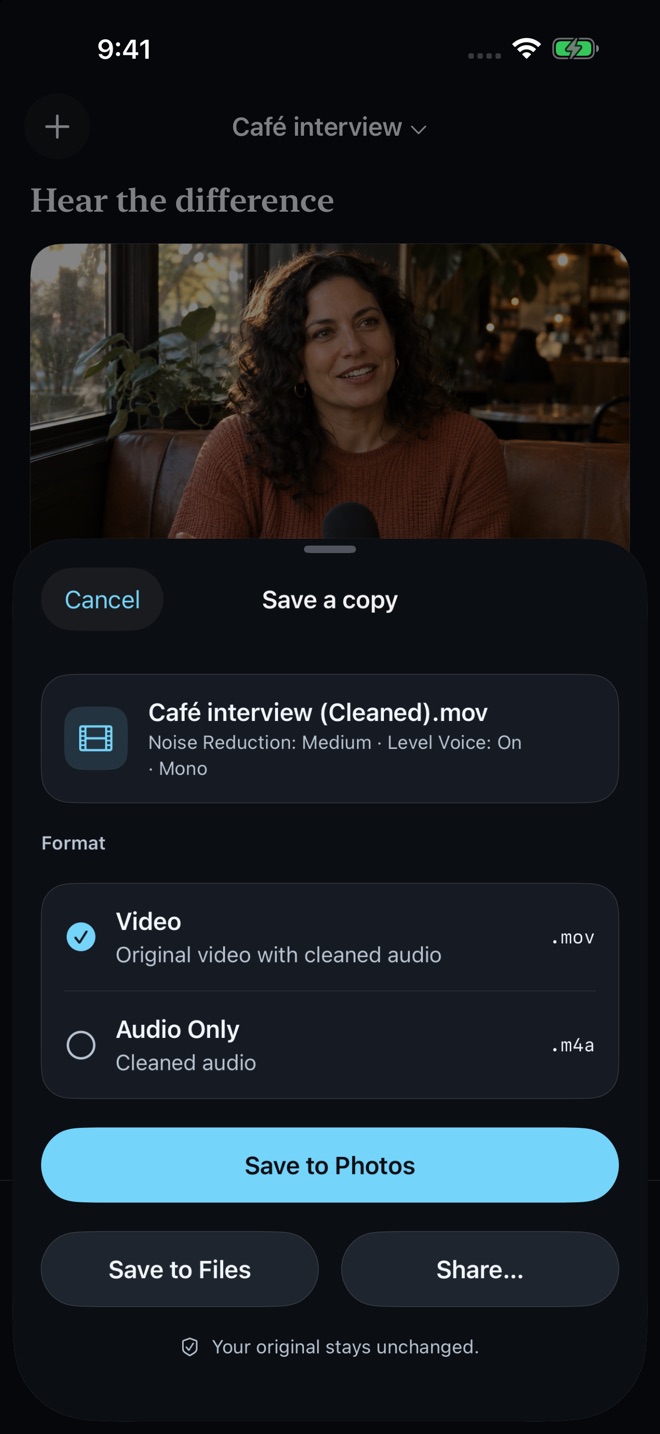
Save the video to Photos, export M4A audio, or share it. Your original stays exactly as it was.
An interview in a busy café. A voice memo with the air conditioner running. A birthday toast under a ceiling fan. A lecture over projector hum.
A speech model trained to separate voices from background sound reduces fans, hum, hiss, traffic, rain and room noise.
Start light and go stronger only if you need to. Lower settings keep more of the room, the laughter and the music.
Evens out speakers who lean in and lean back, so quiet passages stay easy to follow.
Original and Cleaned play at matched volume, so a louder version never sounds better just because it is louder.
Save a MOV with the cleaned soundtrack, or export just the audio as M4A. Files can be up to 20 minutes long.
One purchase on the App Store. Works on iOS and iPadOS 18 or later, in 50 languages.
Many noise removers send your audio to a server. Local Audio Enhancer runs its speech model on the iPhone or iPad in your hand.
Results depend on the recording. Listen to important passages before you save.
Local Audio Enhancer is made for speech. Laughter and music can be reduced with the noise, and stronger settings can change how a voice sounds. The cleaned copy has one mono audio track.
No. The speech cleanup model ships inside the app and runs on your iPhone or iPad. There is no account, analytics or tracking.
Steady and changing background sound around speech: fans, hum, hiss, air conditioning, traffic, rain and room noise. It is made for voices, so music and laughter can be reduced too.
No. Local Audio Enhancer always saves a separate copy. Your original stays where it was.
A MOV video with the cleaned soundtrack, or M4A audio. Save to Photos (video), Files, or Share. The cleaned audio is a single mono track, even when the source is stereo.
Up to 20 minutes per file, and under 4 GB.
No. It is a one-time purchase on the App Store with every feature included. There are no in-app purchases.
iPhone with iOS 18.0 or later and iPad with iPadOS 18.0 or later.
It cannot recreate words that were never captured clearly, reliably repair clipping or heavy microphone wind, or separate people talking over each other. Stronger settings can change how voices sound.